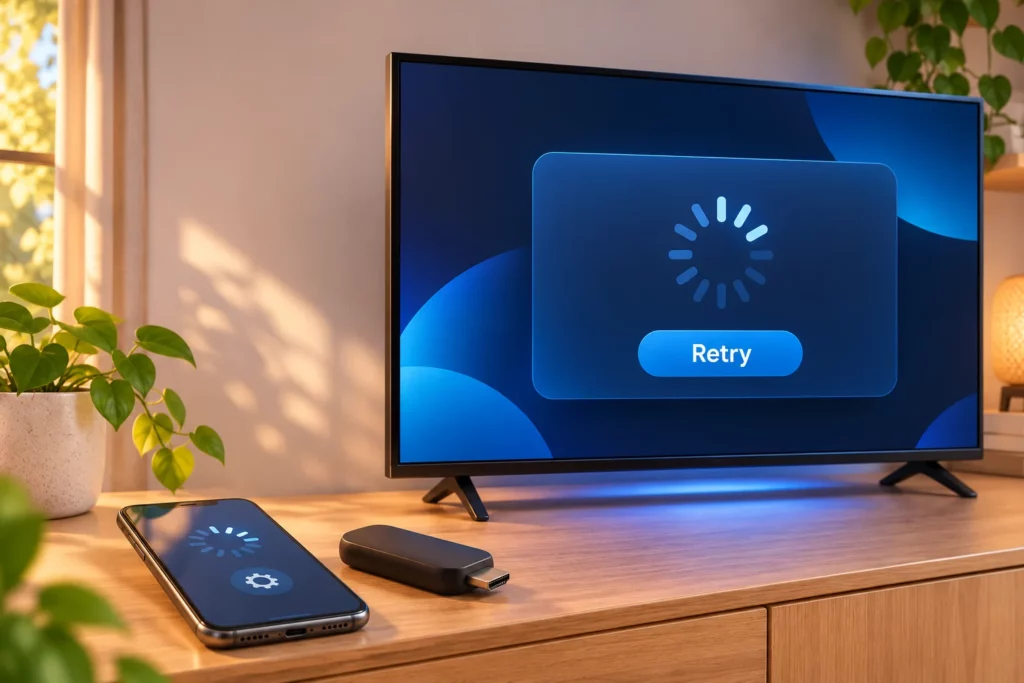
If YouTube TV keeps freezing on a Samsung Smart TV, test another video and another streaming app. This helps identify whether to focus on YouTube TV or troubleshoot the TV and its connection.
Close YouTube TV and test again
Exit the app, reopen it, and try another channel or recording. If the same program fails on another device, note the channel, time and any error shown.
Cold boot the Samsung TV and check updates
Hold the power button on the Samsung remote until the TV turns off and restarts. Then check Software Update in the TV’s Support settings. If YouTube TV still freezes, try reinstalling the app using Samsung’s instructions for your model.
Check the streaming connection
If several apps buffer or freeze, check the TV’s network connection. Google’s YouTube TV troubleshooting guide explains how to test connectivity and adjust video quality where that control is available.