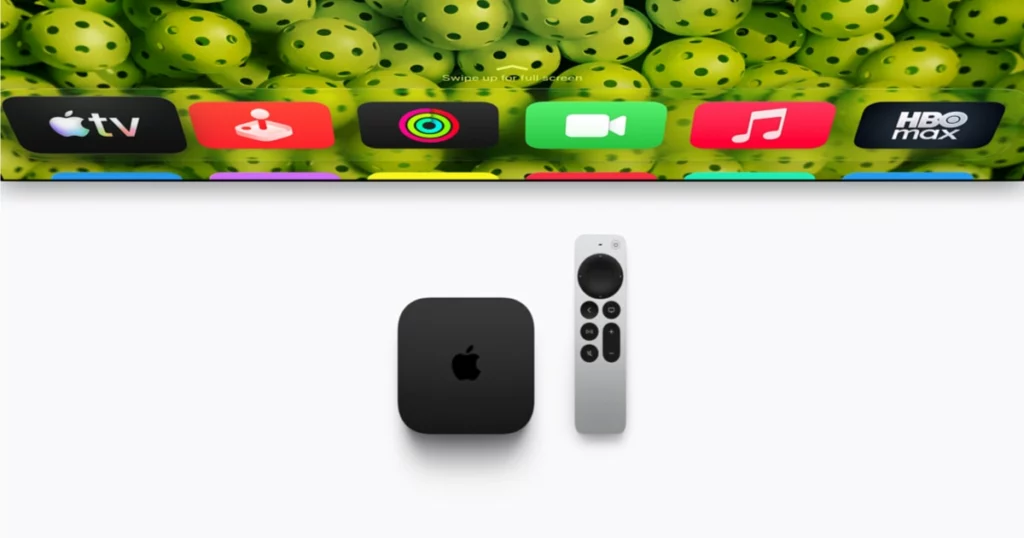
Identify your Apple TV 4K by generation before checking for tvOS 27. Apple lists the 2nd, 3rd and 4th generations as compatible. The 1st-generation Apple TV 4K is outside that compatibility list.
Find your Apple TV model
Open Settings → General → About and look for the model number. Compare it with Apple’s model identification page. If you cannot reach Settings, check the model number on the device itself.
Check for an update
On a compatible model, go to Settings → System → Software Updates and select Update Software. Follow the on-screen instructions and keep the Apple TV powered on until the update finishes.
If a feature is missing after the update
A device can support the operating system while individual features have separate hardware or regional requirements. Check Apple’s requirements for the feature you want.