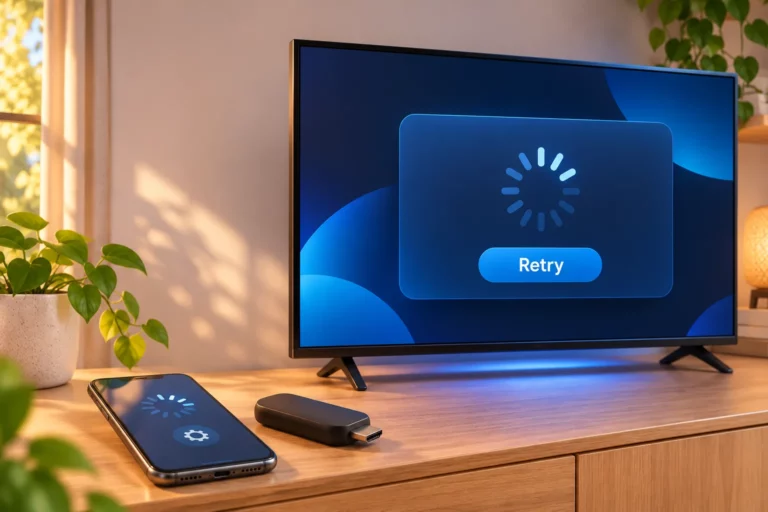
Start by testing a video in two different apps. If both fail, check Wi-Fi and restart the Google TV device. If the problem stays in one app, check that app’s account, updates and playback settings.
Check Wi-Fi
From the Google TV home screen, open Settings → Network & Internet. Confirm that Wi-Fi is enabled and that you are on the intended network. Open a streaming app and try playing a video.
Check the account or profile
If an account-specific title is missing or won’t play, verify that you are using the account associated with that subscription, purchase or rental. Then try another title in the same app.
Restart or update
On Google TV, go to Settings → System → Restart. Check for app updates through Google Play and system updates from Settings if the issue returns. If only one service keeps failing, note the exact error and contact that service’s support.